Skip to content

Made in Toronto · Prices in Canadian dollars

Security guard softwareProve every patrol.
Keep every contract.

Kronus is the all-in-one app for security companies. Guards scan checkpoints with their phone. Your clients see every patrol live. Hours go straight to payroll.

  • Free 7-day trial
  • No credit card
  • Set up the same day
Sample data

One night at 800 Bay Street

Scroll through the night. On the left, what your guard lives through. On the right, what your office and your client see at that exact moment.

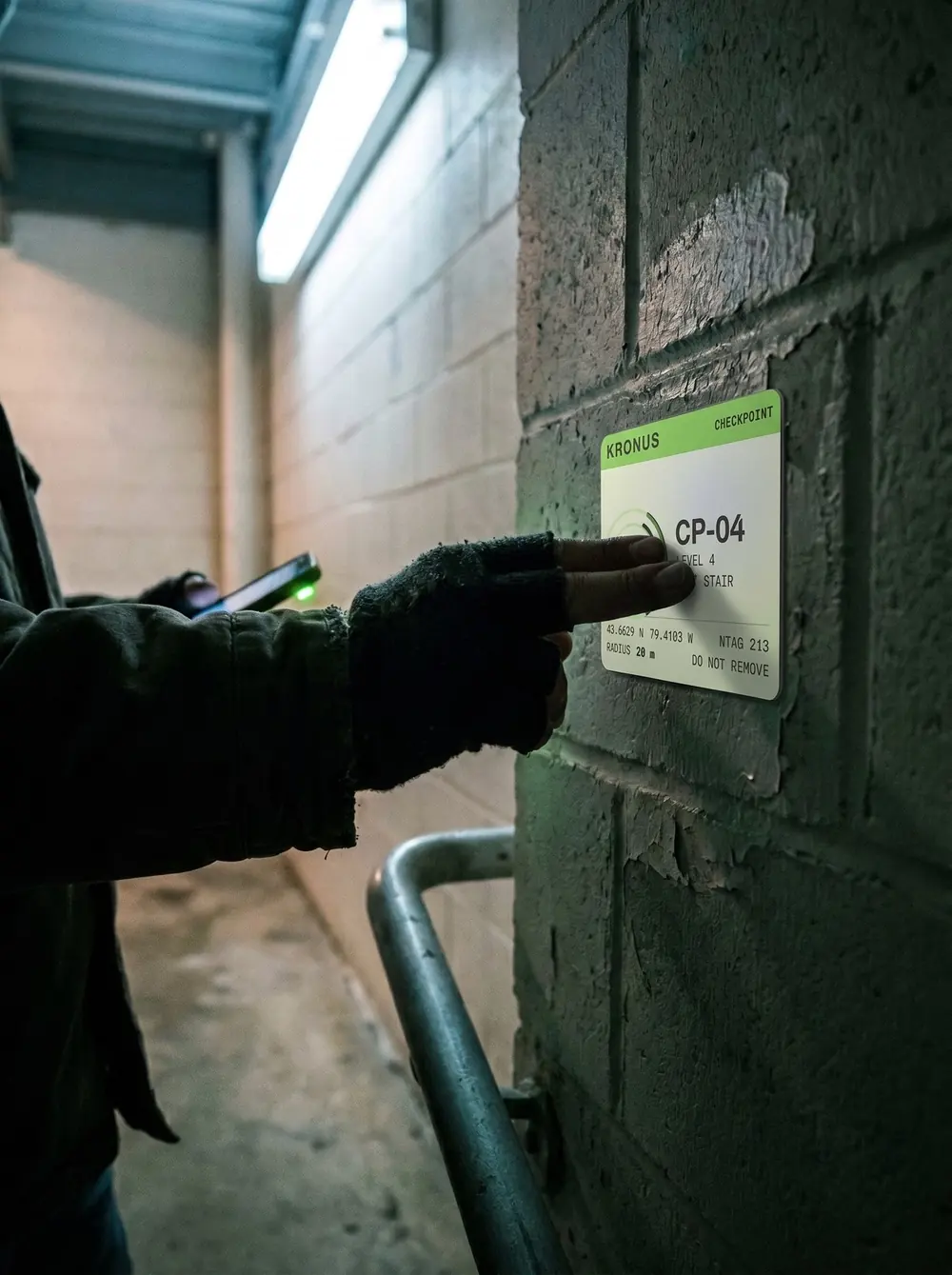
  1. A guard’s gloved hand at a checkpoint tag on a concrete wall22:02

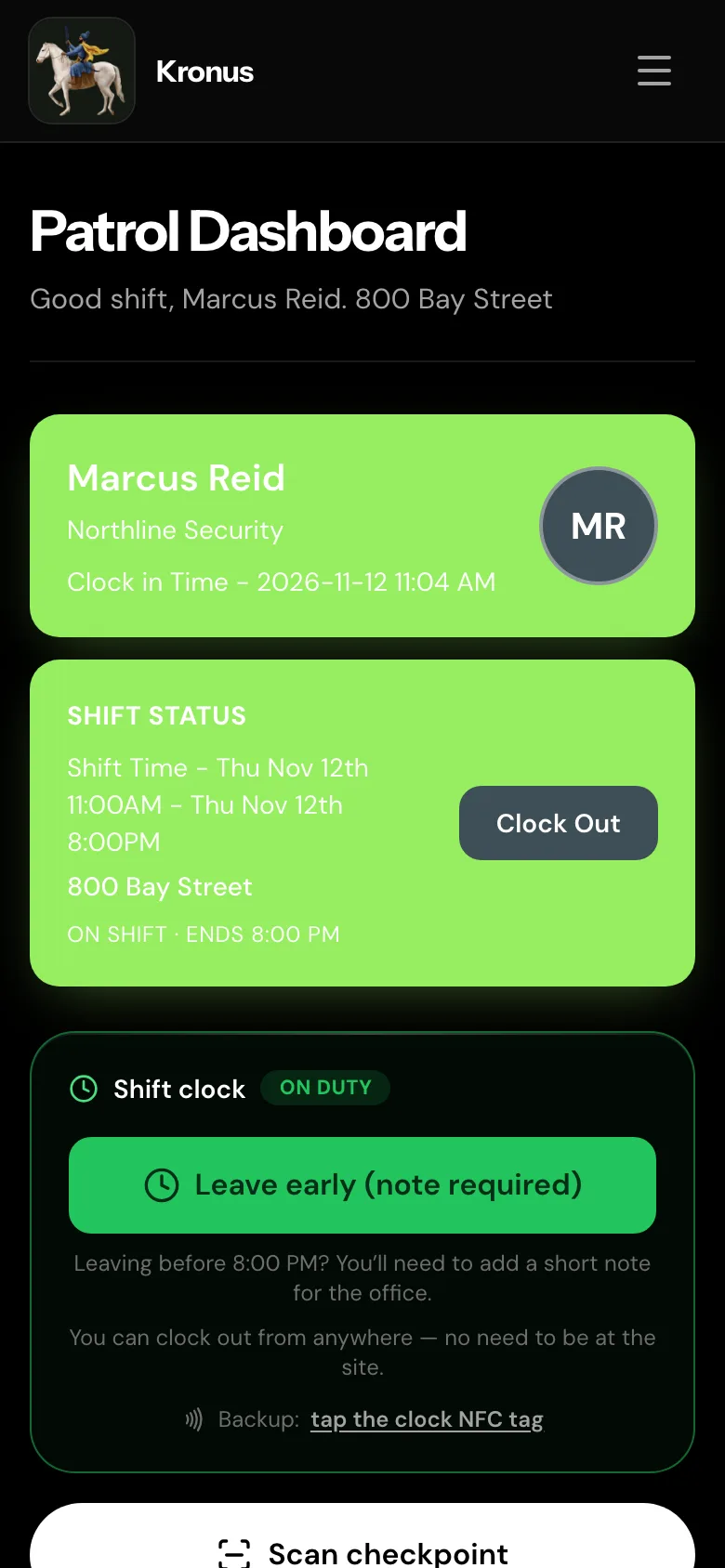
    Clock in, on site

    Marcus clocks in at the building. GPS confirms he’s actually there — not in the car down the street.

    Your officeMarcus R. clocked in800 Bay Street · 22:02Inside the site’s GPS geofence ✓
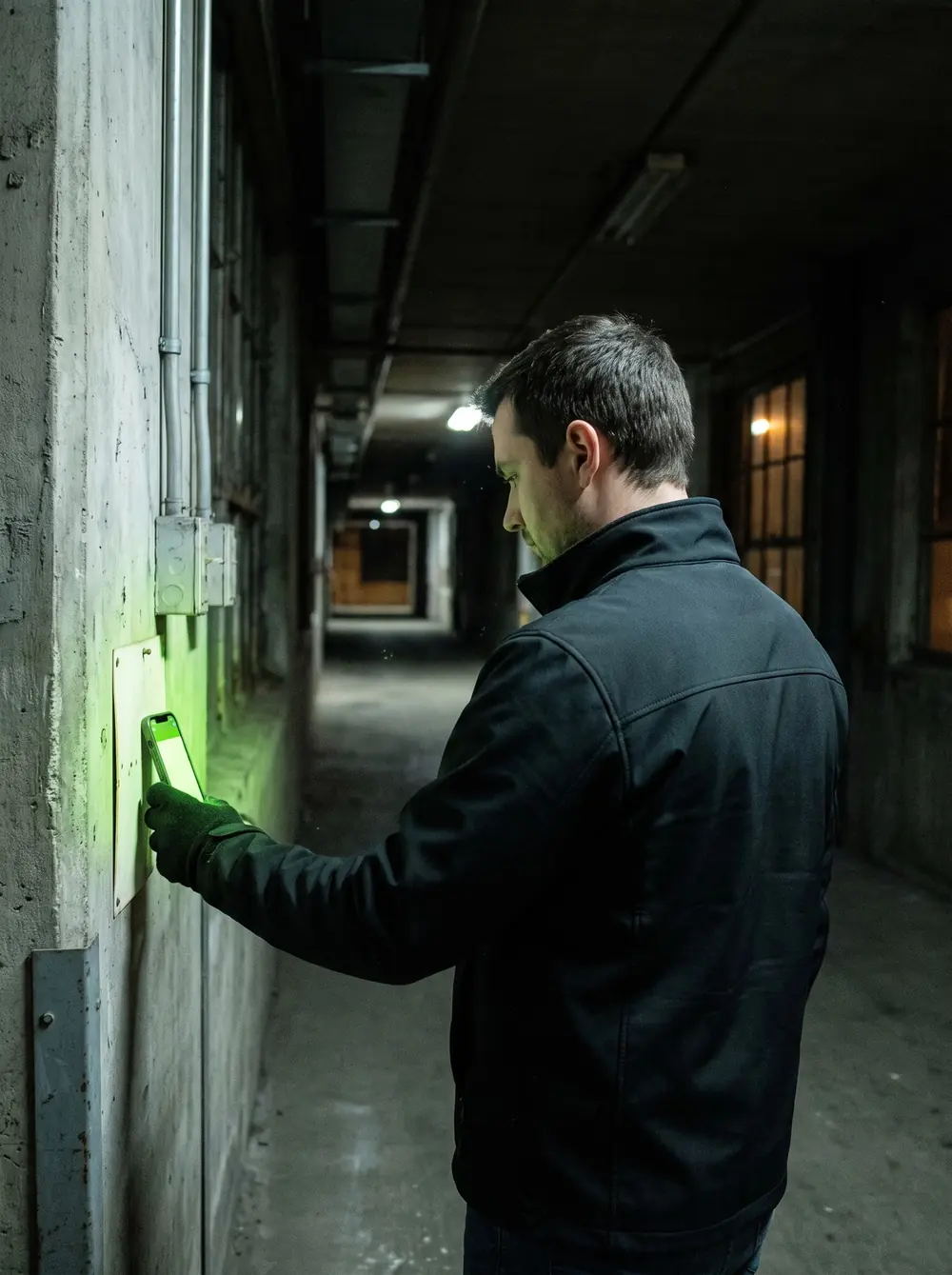
  2. A guard tapping an NFC checkpoint tag in a dark corridor, the tag glowing green23:07

    Tap, and it’s on record

    Checkpoint 4, east stairwell. One tap on the tag. No signal down here, so it saves and syncs later.

    Client portalEast stairwell · 4th floor23:07 · NFC tap ✓Checkpoints tonight: 4/9
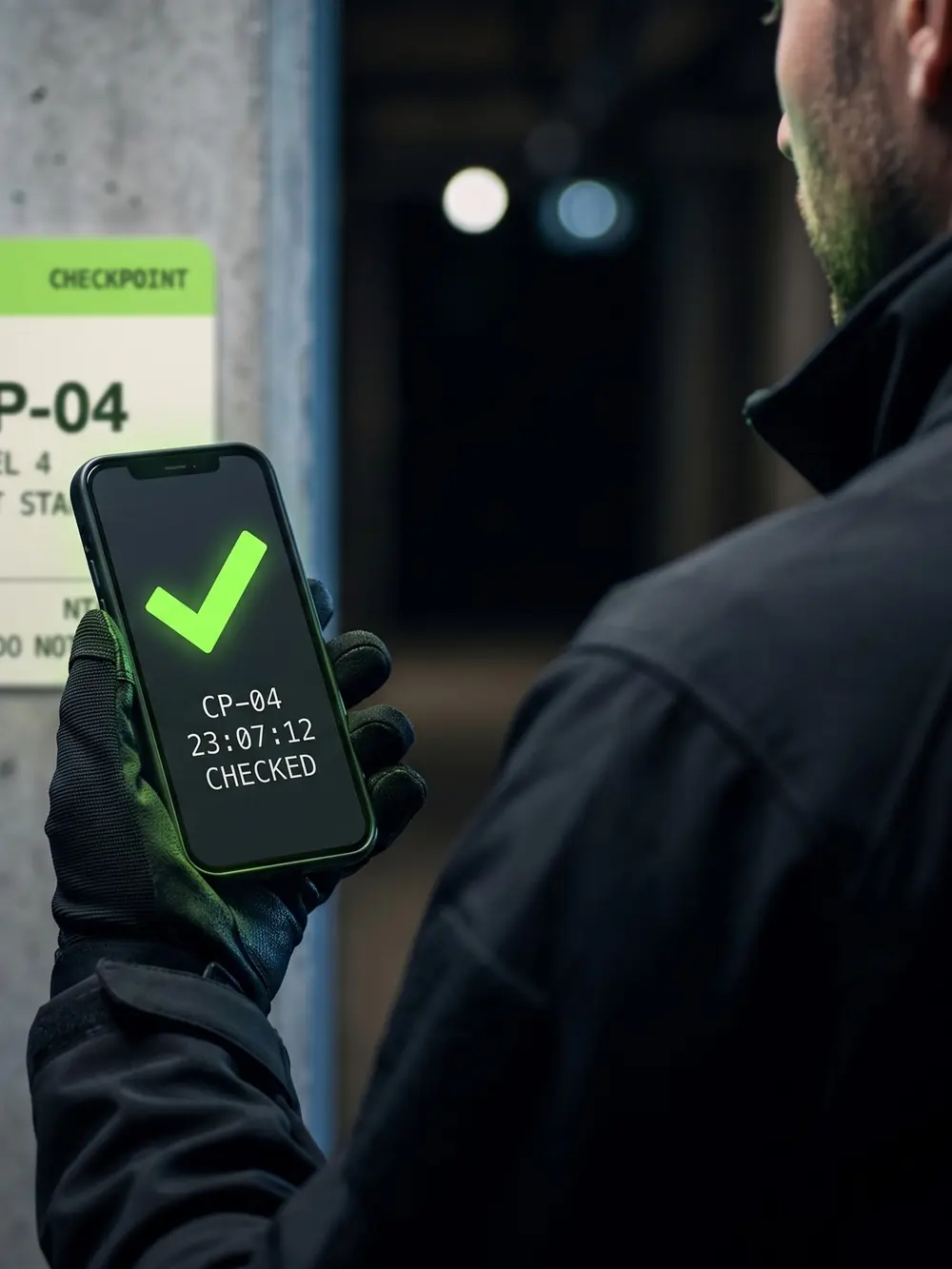
  3. A phone showing a green check: checkpoint CP-04 checked at 23:0723:07

    Proof in his pocket

    The phone confirms the scan. The moment it finds signal, it’s in your client’s portal — still stamped 23:07.

    Guard appScanned ✓ CP-04No signal — saved on the phoneSynced 23:09, time kept as 23:07
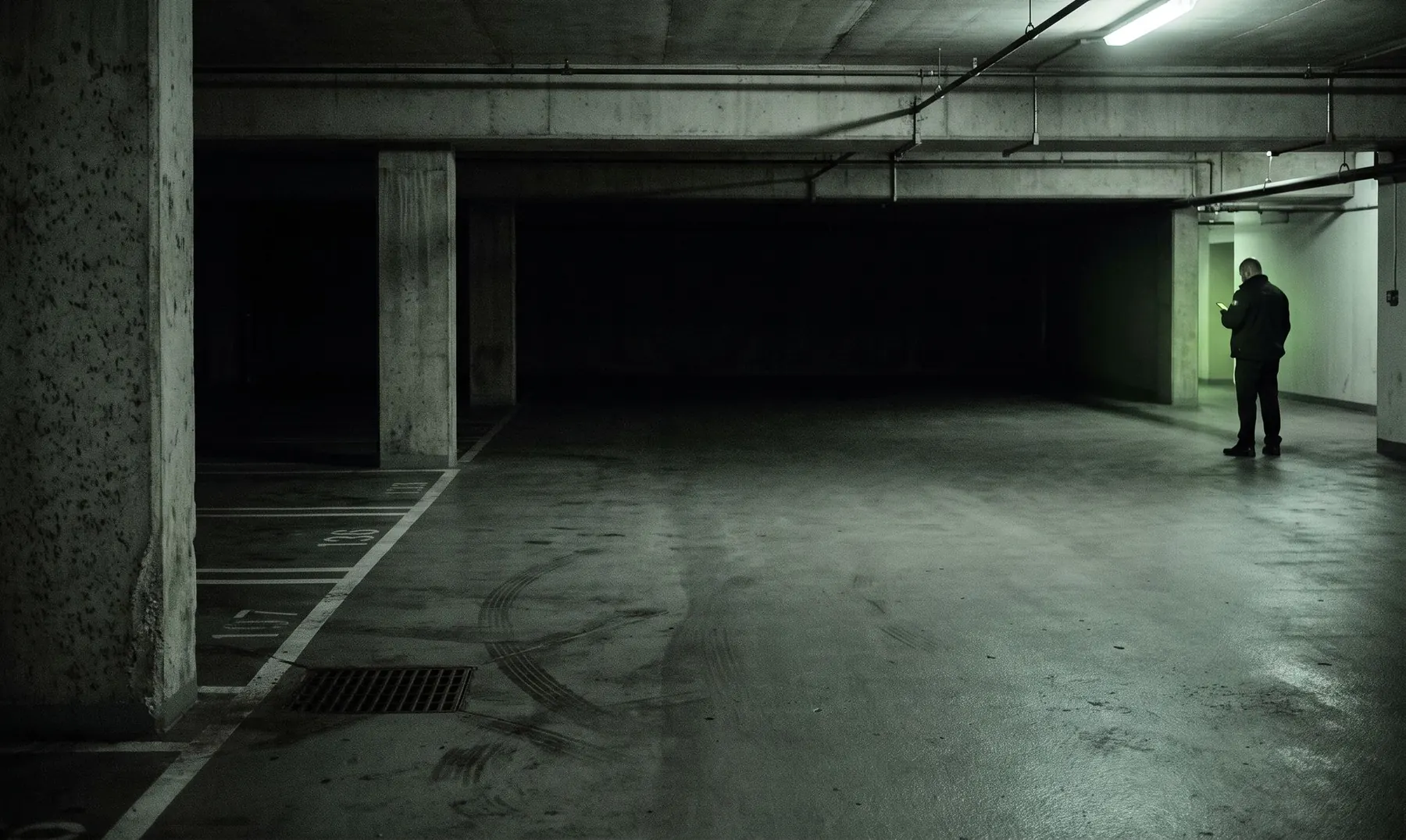
  4. A lone guard checking his phone in an empty underground parkade at night02:58

    The 3 a.m. round

    The parkade is empty and cold. The round still gets walked — and every tag still gets tapped.

    Client portalRound 3 complete9/9 checkpoints · 03:21Nothing missed
  5. A property manager at a desk reading a printed patrol report beside a laptop08:40

    Your client checks in

    The property manager opens last night’s patrols in their portal and downloads the PDF. No phone call needed.

    Client portalPatrol report downloadedLast night: 27 scans, 3 roundsPDF · 3 pages
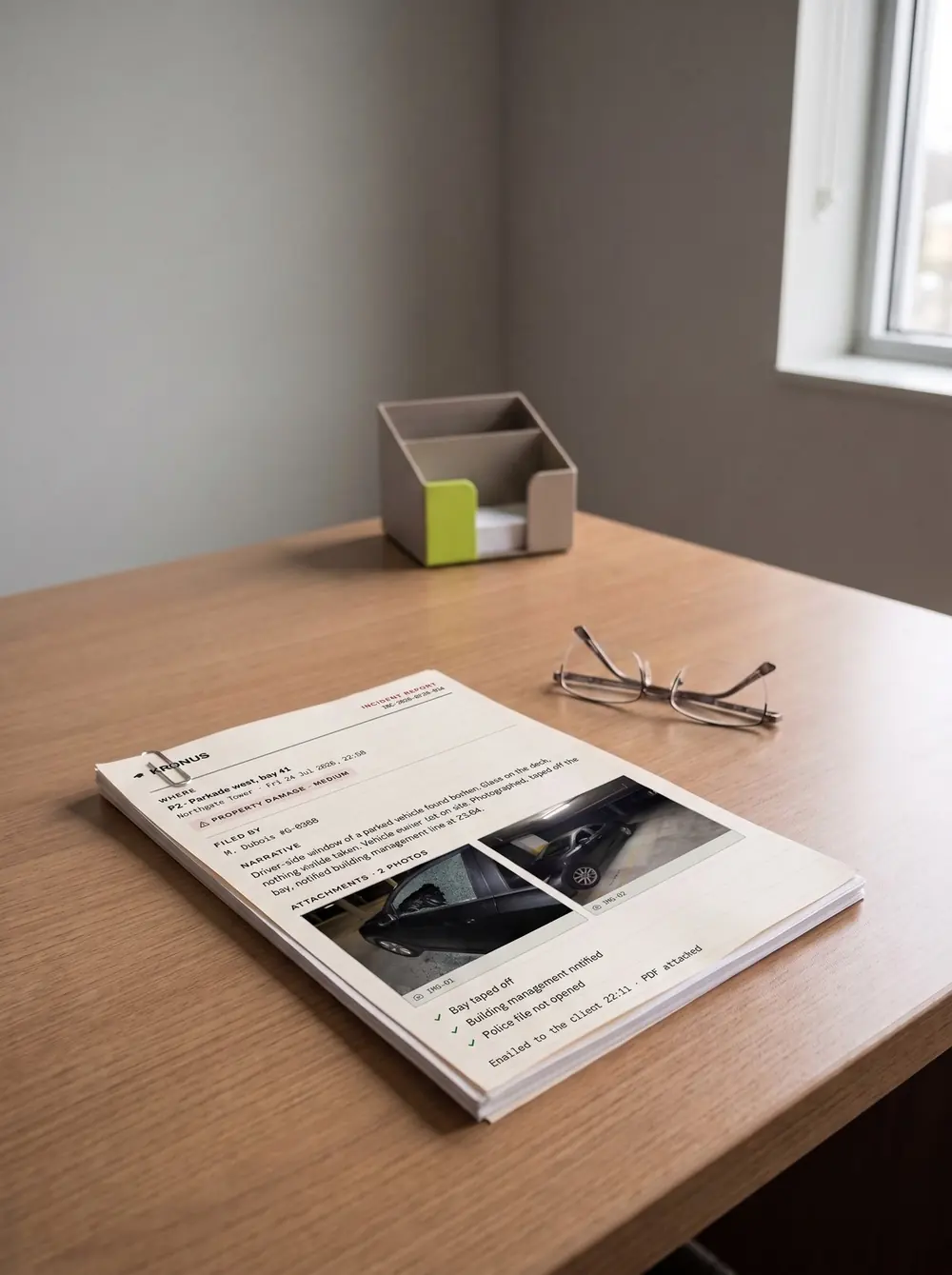
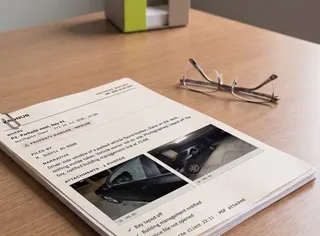
  6. A printed incident report with photos on a desk09:15

    The incident is already written up

    The side door found open at 01:40? Filed on the spot, with photos, before anyone asked.

    Client portalIncident · Side door openFiled 01:40 by Marcus R.2 photos · door secured 01:46
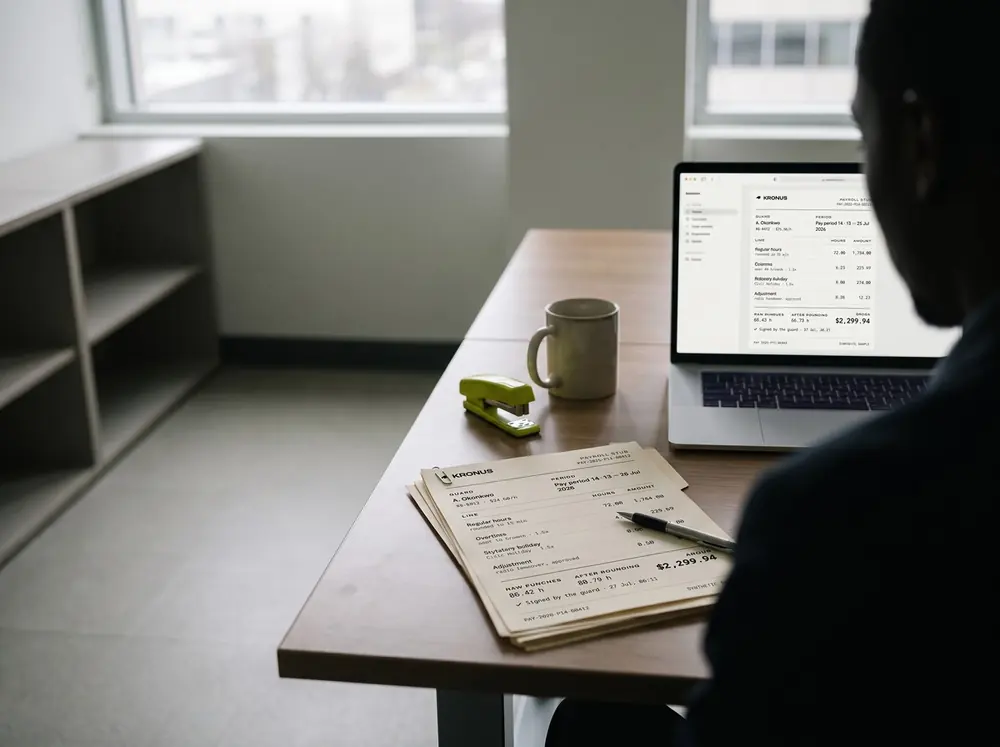
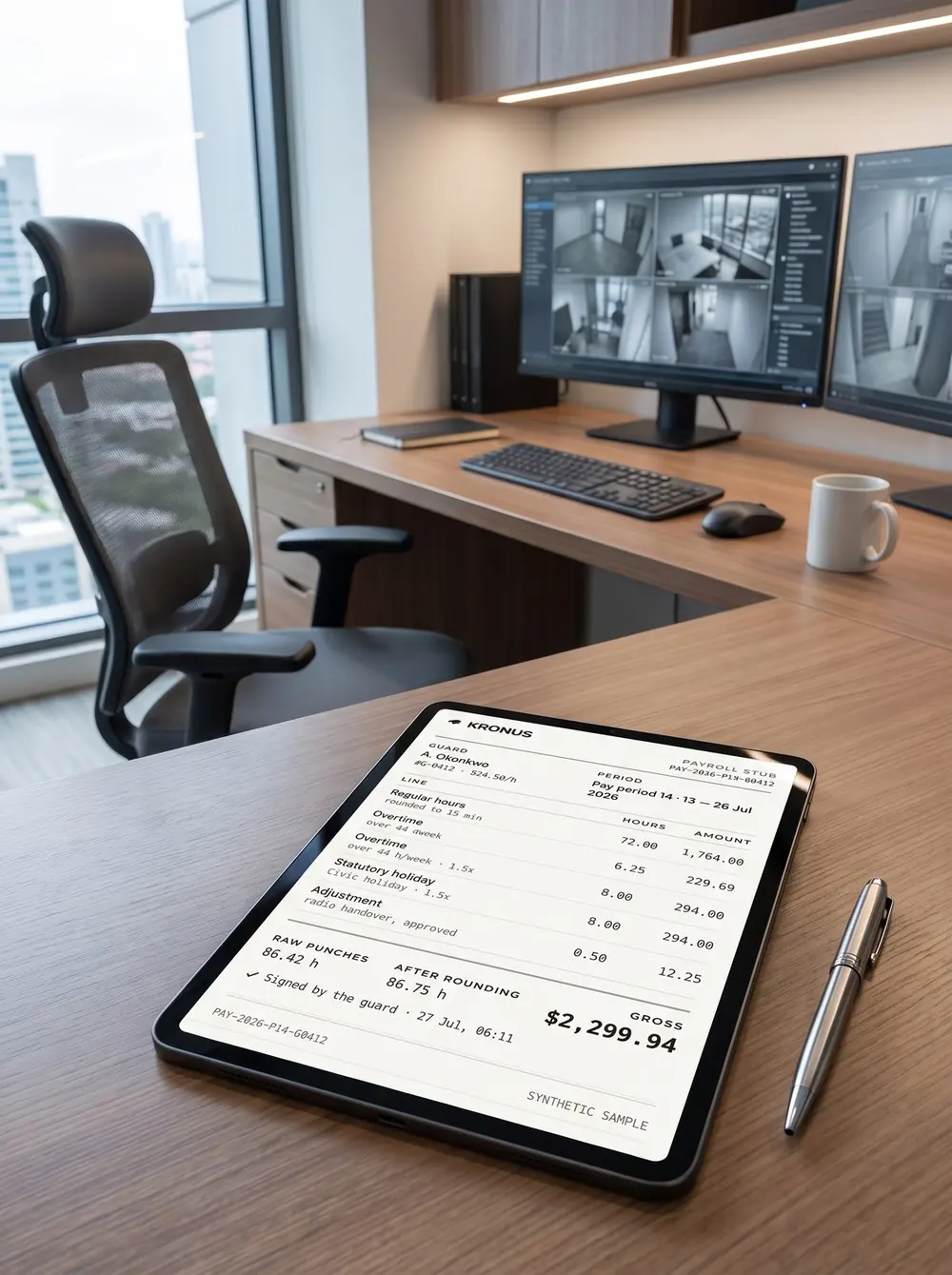
  7. A tablet showing a guard paystub on an office deskFriday

    Payroll, without the texts

    Hours come straight from the clock-ins. Nobody retypes a thing.

    Your officePaystub ready · Marcus R.40.5 h from 5 clock-insCPP and EI calculated

Photos are illustrative · sample data

How the Kronus guard tour app works

Three steps, no IT team. Try them yourself: put up the tags, walk the round, send the proof.

KRONUSPatrol report

800 Bay Street

Tonight · Guard: Marcus R.

TimeCheckpointMethod
22:14Rooftop doorQR
22:23East stairwellNFC
22:32Lobby deskNFC
22:41Parkade P2NFC

Every line is a tag tapped on site

Still running guards on paper and WhatsApp?

Flip the switch to see what changes the day you move to Kronus.

  • Proof of patrolA paper log. Your client has to take your word for it.Every checkpoint scan is time-stamped. Your client sees it live.
  • No-showsYou find out when an angry client calls you.Smart alerts tell you within minutes, before the client notices.
  • Daily reportsA supervisor types them up after every shift.An automated summary lands in your inbox every morning.
  • IncidentsWritten up the next day. Photos lost in a group chat.Filed on the spot with photos. Your client can read it that night.
  • PayrollHours sent by text. Monday spent fixing spreadsheets.Hours come from real clock-ins, ready for payroll.
  • RenewalsYour word against a complaint.Months of patrol records to show at renewal time.

It’s 3 a.m. in the parkade. Walk the round.

This is your guard’s night. Move your flashlight — or drag your finger — and tap each checkpoint tag. Watch your client’s screen fill up.

An empty underground parkade at night, a guard checking his phone in the far corner

Find 5 tags

Guard scheduling, client portal and payroll in one app

Your office, your clients and your guards each get the screen they need.

See every site on one screen

  • Who is on duty right now, at every site
  • Smart alerts for late guards, no-shows and missed rounds
  • A live map of where every guard checked in
See it on a demo
Kronus dashboard showing coverage, guards on duty, late and no-show alerts across five sites

When a client asks, you answer in seconds.

Tap a question your clients really ask. The answer comes straight from the record — no digging, no guessing.

Property manager · 800 Bay StreetMessages · sample

Was anyone checking the parkade at 3 a.m. last night?

Yes — here are the scans:

02:58Parkade P2 · Pillar ANFC
03:04Parkade P2 · Pillar CNFC
03:11Ramp to P3QR
Also in your portal under Patrols.

GPS tracking for site and mobile patrols

The tap on the tag proves the patrol. GPS shows you the route: where every guard checked in, in what order and when, on one live map.

Geofenced clock-in
Guards can only clock in and out when they are actually on site.
Live guard map
See where each guard last checked in, at every site.
Breadcrumb trail
Check-ins join up in order, so you see the whole patrol route.
Mobile patrols
One guard, many sites. Every stop lands on the same map.
Coverage heat map
Spot the corners of a site that never get checked.
Liberty Village LoftsKing West Tower800 Bay Street12345678910

Illustrative map · sample data

05:56 · Liberty Village Lofts · Clock out · side gateClock-out inside geofence

How much office time would you save?

Move the sliders to match your company. It’s an estimate from your own numbers, not a promise.

Change our starting guesses

Office time you could get back, by your numbers

67 hoursa month

That’s about $1,876 of office time every month.

Kronus Max, with timesheets and payroll, is $199.99 a month for your whole company.

Book a demo

Built for every site you guard

  • Condo & residential security
  • Office & commercial buildings
  • Construction site security
  • Retail & loss prevention
  • Parking garages
  • Warehouses & industrial
  • Mobile patrol routes
  • Hospitals & campuses

Simple pricing. Per company, never per guard.

Every plan includes the guard app and the client portal. Hire ten more guards and your bill stays the same. Prices in Canadian dollars.

Standard

Proof of patrol for your first sites

$99.99$79.99/month

CAD, billed monthly$959.90 billed yearly · save $240

Start free trial
  • Guard tour app (NFC and QR scanning)
  • GPS-checked clock-in and clock-out
  • Client portal with live patrol history
  • Monthly patrol report as a PDF
  • Incident reports with photos
  • Late and missed-patrol email alerts
  • Email support

Max

Payroll and invoicing built in

$199.99$159.99/month

CAD, billed monthly$1,919.90 billed yearly · save $480

Start free trial

Everything in Premium, plus

  • Timesheets with 15-minute rounding and overtime
  • Paystubs with CPP and EI calculated
  • Payroll and hours CSV for your bookkeeper
  • Invoices for extra coverage and call‑outs
  • Priority same-day support

Every plan: free 7-day trial · no credit card · cancel any time. Need NFC tags, checkpoint mounts or guard uniforms? Order them from the Kronus shop.

Questions owners ask us

Something else? Email hello@kronus.space or ask on your demo.

How long does it take to get started?

Most companies are scanning the same day. Add a site, print QR checkpoint labels from Kronus, put them up and add your guards. You can swap the QR labels for NFC tags later. We walk you through it on the demo call.

Is it hard for guards to learn?

No. The guard app has two big buttons: scan a checkpoint and report an incident. Most guards get it in a couple of minutes, and it runs on the phone they already have — iPhone or Android.

Does Kronus have GPS tracking?

Yes. Clock-in and clock-out only work inside the site’s GPS boundary. The live map also shows where each guard checked in through the night and joins those stops into a trail, so you can see the order they patrolled in — across one site or a whole mobile patrol route. The patrol itself is proven by the tap on the tag, not by GPS.

What happens when there’s no cell signal?

Scans are saved on the phone and upload when it reconnects. The time recorded is the moment of the scan, so a basement or parkade round still counts.

Can a guard fake a patrol?

Checkpoints are physical tags fixed on site, so a scan means standing at that tag. Clock-in is checked by GPS, and original clock times can’t be edited — any correction is recorded on top, so the original is always there. For high-risk spots we recommend NFC tags, which can’t be copied with a photo.

What can my clients see?

Only their own sites: who is on duty, patrol scans, incidents and reports. They never see pay rates or any other client’s sites.

Is it really priced per company, not per guard?

Yes. Your plan covers your whole company. Add guards and the price stays the same.

Is there a contract?

No. Pay monthly and cancel any time, or pay yearly and save 20%. Every plan starts with a free 7-day trial and no credit card.

Does Kronus do payroll?

Kronus works out the hours — 15-minute rounding, overtime and stat holidays — from real clock-ins. On the Max plan it makes paystubs with CPP and EI and a payroll CSV for your bookkeeper. It does not send remittances to the CRA for you.

Is Kronus Canadian?

Yes. Kronus is made in Toronto for Canadian security companies, with prices in Canadian dollars and payroll that handles CPP and EI.

Book a free 20‑minute demo

On a video call or by phone. We’ll show you what your guards, your office and your clients would each see, and answer every question.

  • A live product tour, not a slide deck
  • Pricing questions answered on the spot
  • Start your free trial the same day

Prefer email? hello@kronus.space

How many guards do you have?

We only use your details to set up the demo. No mailing lists.